
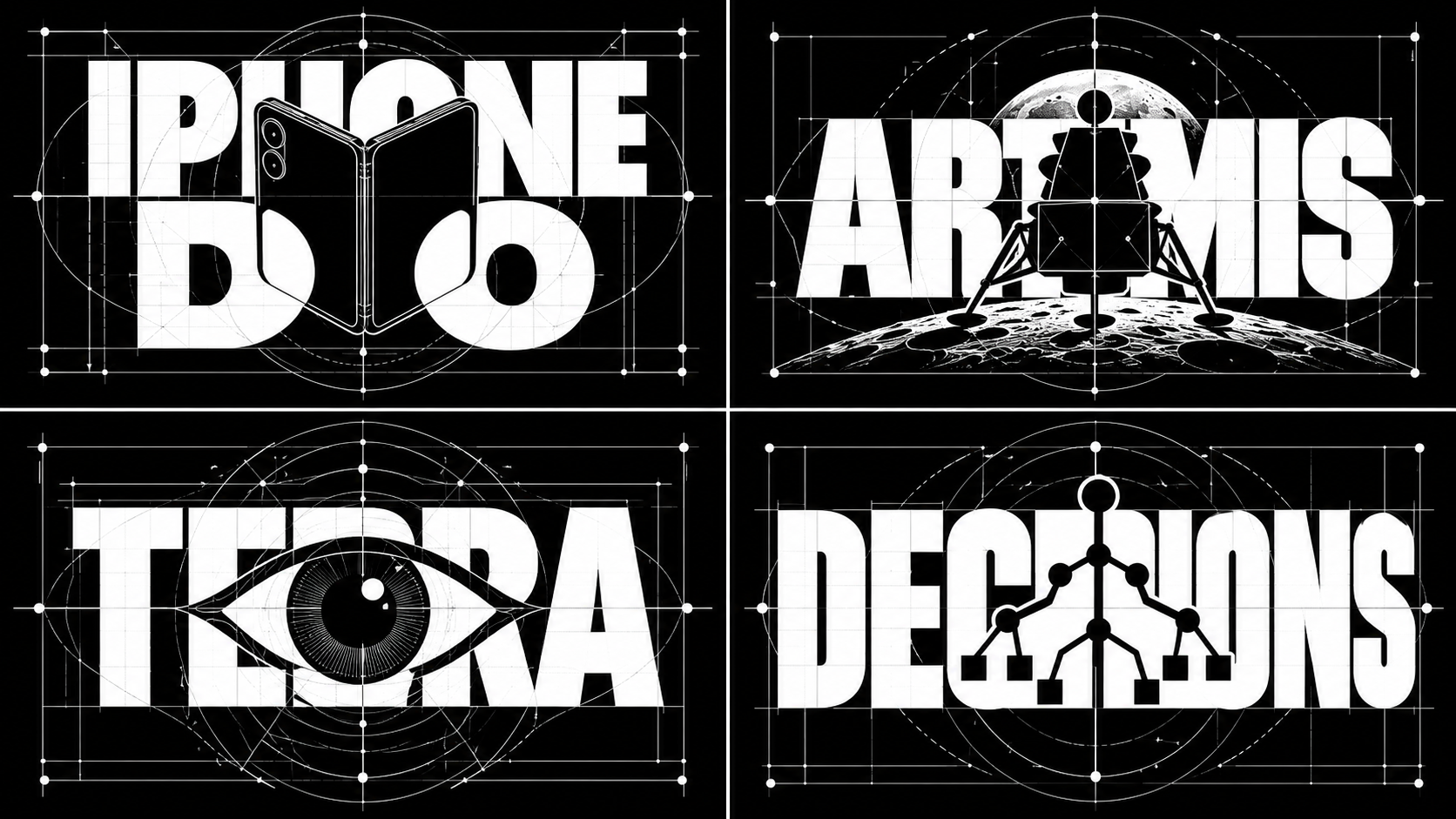
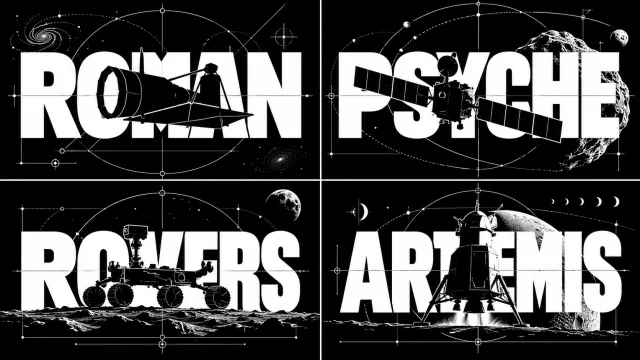
Drafting-style logo with text cut out by a silhouette
Prompt
2x2 grid, 16;9, do this for 4 stories that were viral this week: % METAFONT COMPILER SCRIPT: CUSTOM LIGATURE LOGO
% PARAMETERS: string name = "[NAME]"; string object = "[INVENTION/CONCEPT]";

beginchar(1, 100u#, 50u#, 0);
  % Define the typographic skeleton
  pickup pencircle scaled 10pt; % Heavy block letters
  AI_INFER(Define the mathematical paths and stems for the letters spelling [NAME]);

  % Define the intersection mask (The Cutout)
  path silhouette;
  silhouette = AI_INFER(Generate the exact bezier control points for the silhouette of [INVENTION/CONCEPT]);

  % Apply Boolean Subtraction (Erase the text inside the silhouette)
  cull currentpicture keeping (1, infinity);
  unfill silhouette;

  % Define the delicate drafting hairlines
  pickup pencircle scaled 0.2pt; % Razor-thin technical lines
  AI_INFER(Draw sweeping arcs, tangent lines, and focal nodes mathematically bounding the silhouette and the typography);

endchar;

% VISUAL CONSTRAINT: Visually execute this METAFONT compilation. The resulting image must be a perfectly calculated, high-contrast black-and-white graphic design masterpiece. The letters and the drafting lines must look mathematically precise.
Summary
Specify the name in [NAME] and the invention or theme in [INVENTION/CONCEPT]. Overlay heavy letters with the subject’s silhouette, add fine drafting hairlines, and arrange the black-and-white logos in a 2×2 layout. These are example pieces using news topics, but they are not materials for evaluating the ranking of topicality or the actual shape of real devices.