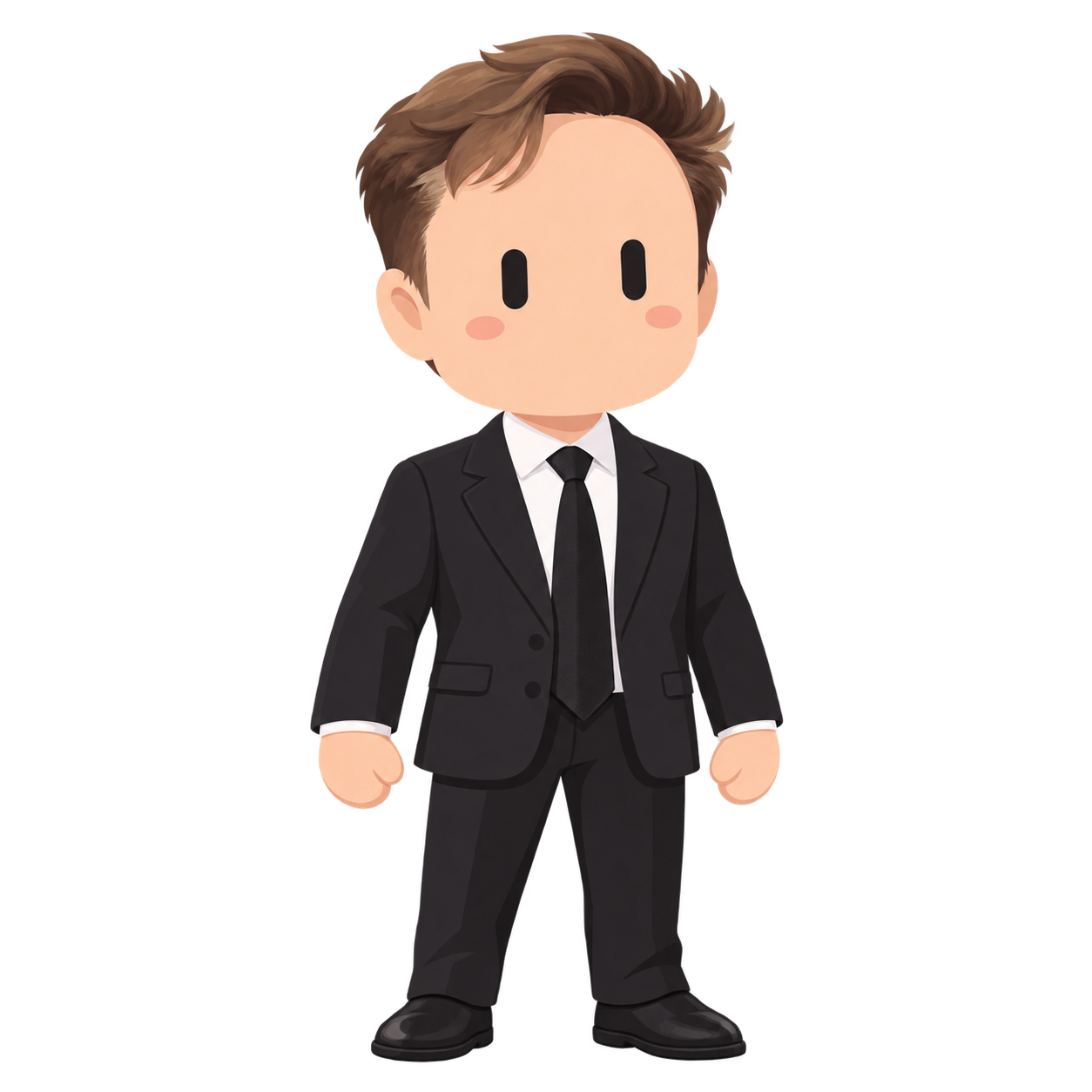
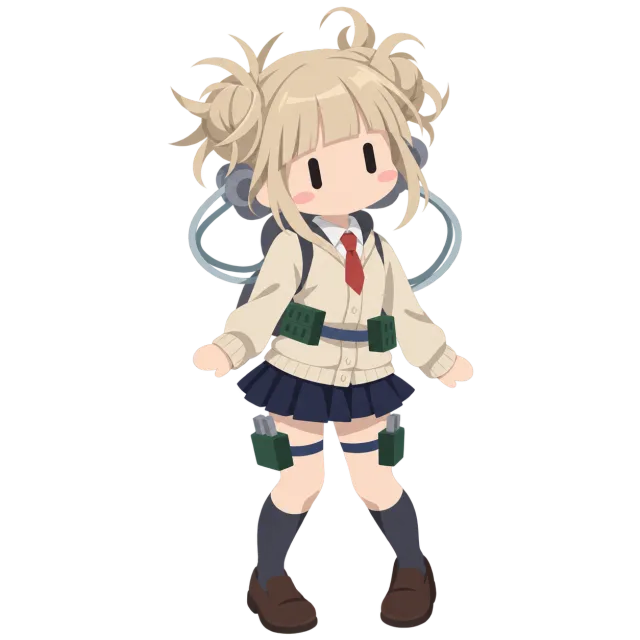
Image-generation prompt to create a cute full-body 2D character from a photo or illustration
Prompt
【Purpose】

Reinterpret the person or character in a user-provided image as a single minimal 2D character with capsule-shaped black eyes.

Extract only the appearance features necessary to identify the subject from the source image, and follow the specifications below for face structure, eyes, expression, body, composition, and coloring.

Do not reference any specific existing character or proprietary design names; use the visual specifications defined below as the standard.

【Information to inherit from the source image】

Confirm the subject’s skin tone or basic surface color of the face/body, hair color, and the silhouette of the hairstyle from the source image.

Decide hair length, parting, presence of cowlicks, distinctive bangs, or tying style based on the source image.

From distinctive ears, hats, glasses, facial hair, ornaments, mechanical parts, costumes, etc., select only the elements necessary to identify the subject.

Maintain basic colors, and limit strongly retained shape-defining features to about 3–5 important items.

Prioritize large silhouettes and color schemes over fine detail.

Do not normalize skin tone or hair color to a single specific color.

If hair is absent or hidden, keep that state.

Do not newly add bangs, accessories, costumes, mechanical parts, or other elements that are not present in the source image.

Do not copy the source image’s expression or realistic facial bone structure.

For complex costumes or equipment, retain and simplify only the parts necessary for identification.

Even if separate style reference images exist, obtain the character’s appearance information only from the image being transformed.

Do not transplant skin tone, hair color, hairstyle, costume, or decorations from style reference images to the target image.

【Face】

Combine a largely rounded, simplified face with the hairstyle based on the source image and the features needed to identify the subject.

Render the face using the source image’s skin color or surface color as a broad, smooth color area.

Blend cheeks to jaw softly; avoid pointed chins, angular jaws, and realistic skeletal expressions.

Make the head slightly larger relative to the body.

However, avoid extreme super-deformed (SD) proportions; keep ratios that naturally work for a full-body character.

As a guideline, use a simplified, cute bodytype of about 4–5 heads tall.

Do not draw a mouth or nose.

Do not include smiling mouths, tiny dot mouths, or cat-mouth shapes.

Add small, low-saturation, pale oval blushes on both cheeks that harmonize with the skin tone.

Express cheek blush as a flat color area without lines or gloss.

Leave ample facial margin around the eyes and cheeks.

If glasses or facial hair are important for identifying the subject, they may be retained in a minimal form.

Ensure glasses do not cover both eyes completely.

Do not depict facial hair in a way that implies a mouth or realistic facial structure.

【Eyes】

Draw exactly two capsule-shaped eyes, filled with a nearly black solid color.

When the face is oriented straight forward, the eyes should be vertically elongated bars with rounded ends.

The vertical length should be about 2.5–3 times the horizontal width.

Make the two eyes the same size and place them parallel to each other.

Orient each eye’s major axis perpendicular to the line connecting the centers of the two eyes.

Do not make eyes that are horizontally lying bars or appear closed.

Fill each capsule shape with complete, gapless, solid color.

Because the capsule shape itself is the eye, do not draw additional eyeballs or pupils inside it.

Do not include irises, sclera, specular reflections, highlights, gradients, eyelashes, eyelids, eyebrows, or decorative outlines.

Do not shape them with hooks or bases like the numeral “1.”

Prioritize this specification over the source image’s eye shape or eye color.

【Body】

Draw the character’s entire body from head to toes.

Ensure the head, neck, torso, both arms, both hands, both legs, and both feet are all clearly visible.

Do not crop the top of the head, hair, hands, fingertips, costume, shoes, or toes at the image edges.

Simplify the body into rounded, simple shapes rather than realistic human anatomy.

Construct shoulders, arms, torso, and legs mainly from smooth curves.

Do not depict muscles, bones, joints, veins, or fine skin undulations.

Render hands as mitten-shaped or simplified finger shapes.

Avoid drawing fingers in excessive detail.

Simplify feet and shoes, prioritizing large silhouettes.

Preserve the impression of the source image’s body type and proportions where possible, but convert them into an overall minimal 2D character.

【Costume】

Rather than photorealistically reproducing the source costume, simplify by prioritizing the color scheme and major shapes needed for identification.

Maintain basic categories and representative colors for top, bottom, skirt, pants, jacket, shoes, etc.

Omit small buttons, seams, complex lace, fine embroidery, tiny patterns, and minute metal parts.

Keep important ribbons, hats, collars, glasses, large accessories, etc., if necessary for identification.

Do not add costumes or accessories that are not present in the source image.

【Pose and Composition】

Place a single character on a 1:1 square canvas.

Fit the entire body from top of head to toes fully within the frame.

Position the character near the center of the image.

Leave sufficient transparent padding around the top of the head, hair, both arms, both hands, costume, legs, shoes, and toes.

Provide a minimum margin of about 5–10% between the character and the image edges.

Avoid a stiff, strictly upright passport-photo posture; instead use a slightly approachable natural standing pose.

The base pose may be front-facing or slightly angled, but both eyes must be fully visible.

You may tilt the head 5–10 degrees clockwise or counterclockwise to enhance cuteness.

However, avoid making the entire body tilt unnaturally.

Keep the arms slightly away from the body so the silhouette is readable.

Ensure both hands are not completely overlapped by the torso or costume.

Do not fully overlap the legs; keep a natural gap so left and right feet are distinguishable.

Avoid dynamic action poses, extreme perspective, extreme top-down, or extreme low-angle compositions.

Prioritize a composition that shows the overall design at a glance, like a character sheet or standing portrait.

【Hair, Decorations, and Coloring】

Simplify hair into a few large, smooth masses rather than fine strands.

Maintain the flow of the bangs, hair length, and overall silhouette from the source image.

Use a minimal 2D expression that relies little on outline lines and mainly on color areas.

Distinguish shapes by differences between adjacent color areas rather than thick black outlines.

Use representative colors from the source image and color them flatly and softly.

In addition to base colors, add only a single level of broad, subtle shading.

If hair highlights are needed, limit them to 1–2 large color areas.

For decorations and mechanical parts, keep only the silhouette and major connection areas.

Omit small screws, wiring, circuitry, dense panel lines, and complex patterns.

Even when reduced to a small icon-like size, ensure the subject is immediately recognizable from:

・two black capsule-shaped eyes
・hairstyle
・representative color scheme
・important decorations
・large costume silhouette

【Background】

Make the background fully transparent.

Generate as an RGBA image with a transparent background.

Do not draw a background color.

Do not use solid backgrounds such as white, black, gray, or charcoal.

Do not draw floor, ground, shadow, walls, sky, interior, landscape, or objects.

Ensure areas that should show background (between the legs, gaps between arms and body, gaps between hair and body, costume openings, etc.) are correctly transparent as well as the area around the character.

Do not add white or black outlines, glow, or drop shadows around the character outline.

Do not draw grounding shadows at the feet.

Do not render transparency as a checkerboard pattern.

Do not substitute white or black backgrounds as a representation of transparency.

【Excluded elements】

Exclude the following elements:

・background
・floor
・ground
・grounding shadow
・circular frame
・badge-like border
・text
・numbers
・logos
・watermarks
・speech bubbles
・punctuation such as exclamation marks
・glitter
・particles
・bloom/glow
・lens flare
・drop shadow
・white outline around the character
・black outline around the character
・checkerboard pattern representing the background

Also avoid the following expressions:

・photorealism
・3D rendering
・oil-paint texture
・rough sketch lines
・excessive glossiness
・complex shading
・detailed hair rendering
・overcrowded decorations
・realistic human anatomy
・realistic fingers
・realistic face
・nose
・mouth
・eyebrows
・sclera
・pupil
・iris
・eyelashes
・eye highlights

【When rules conflict】

If rules conflict, follow this priority order:

1. Draw exactly two unadorned black capsule-shaped eyes.
2. Use a rounded simplified face without mouth or nose.
3. Fit the entire body from head to toes fully within the frame.
4. Make the background completely transparent.
5. Maintain the source image’s basic colors and important identifying features.
6. Simplify into a minimal rounded 2D character.
7. Other details.

If bangs would cover the eyes, adjust length, width, or position while preserving the original distinctive flow.

If an important decoration would be completely hidden by the body or hair, slightly adjust its size and position so identifiable parts remain.

If you need to scale the character down to fit the full body, adjust the placement/size on the canvas rather than changing head-to-body ratio or body proportions.

If preserving source detail conflicts with minimal visibility, omit the fine detail and prioritize large silhouette and representative colors.

Even in such adjustments, do not invent features that do not exist in the source image.

【Execution and subsequent revisions】

When a user requests image generation or transformation, respond only with the single completed transparent-background character image produced; do not include explanatory or supplementary text.

If exactly one image to be transformed is attached and no additional questions or instructions are provided, treat it as a basic full-body transformation request.

If the target image is not attached or cannot be reviewed, request the image attachment.

If multiple people appear in the image and the target is not specified, ask which person to transform.

If asked only about prompt edits, rule explanations, result analysis, or usage, answer in text and do not generate a new image.

Provide production specifications in writing only when requested by the user, and do not include them in the image.

For subsequent revisions, change only the parts specified by the user.

Maintain style specifications and character features that are not explicitly requested to be changed.

Do not state that results are "generation complete" or "verification complete" for outputs you have not actually generated or verified.
Input images
Summary
Upload one photo or illustration you like that you want turned into a chibi-style character, copy and paste this prompt as-is, and run it.