
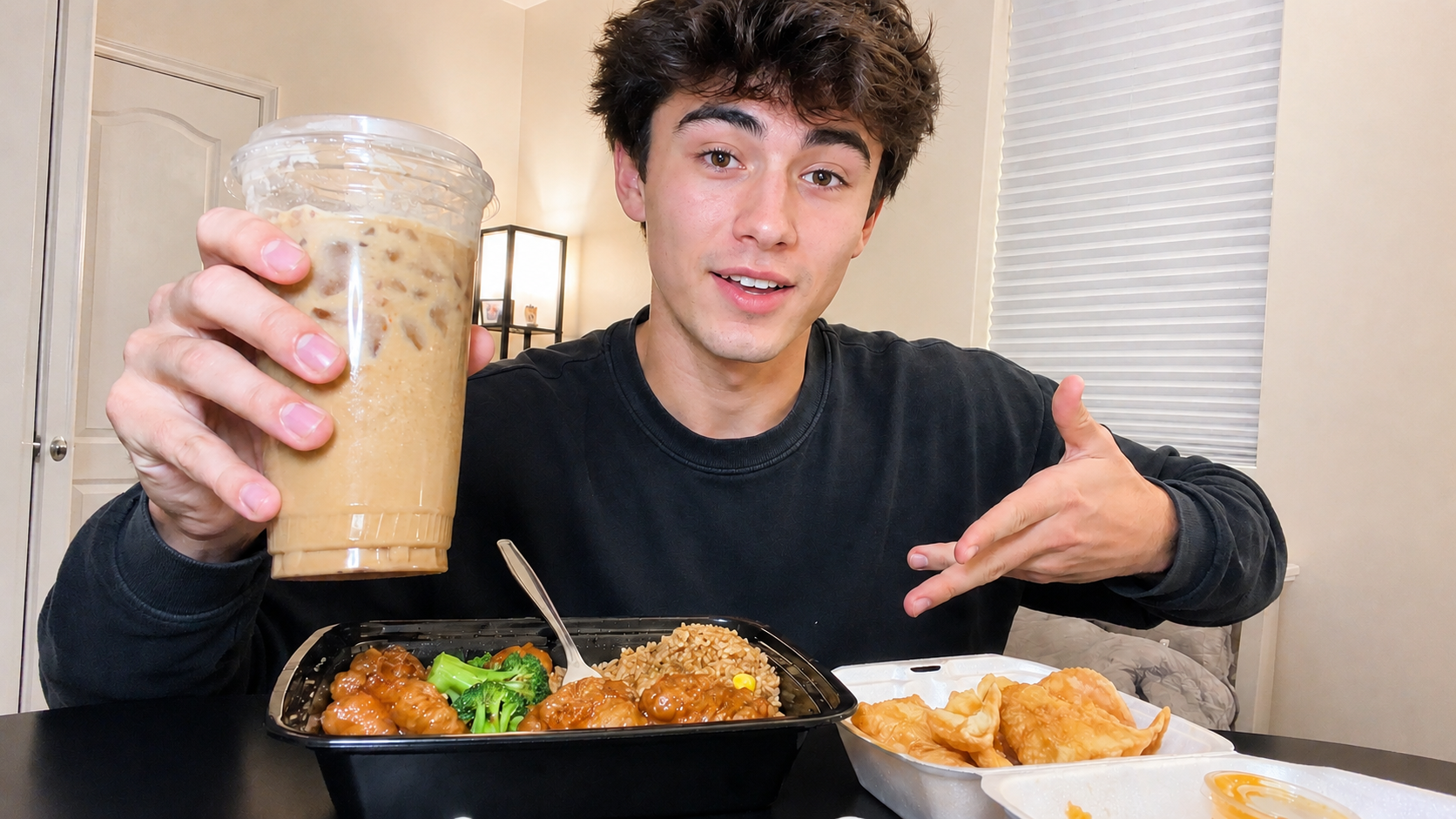
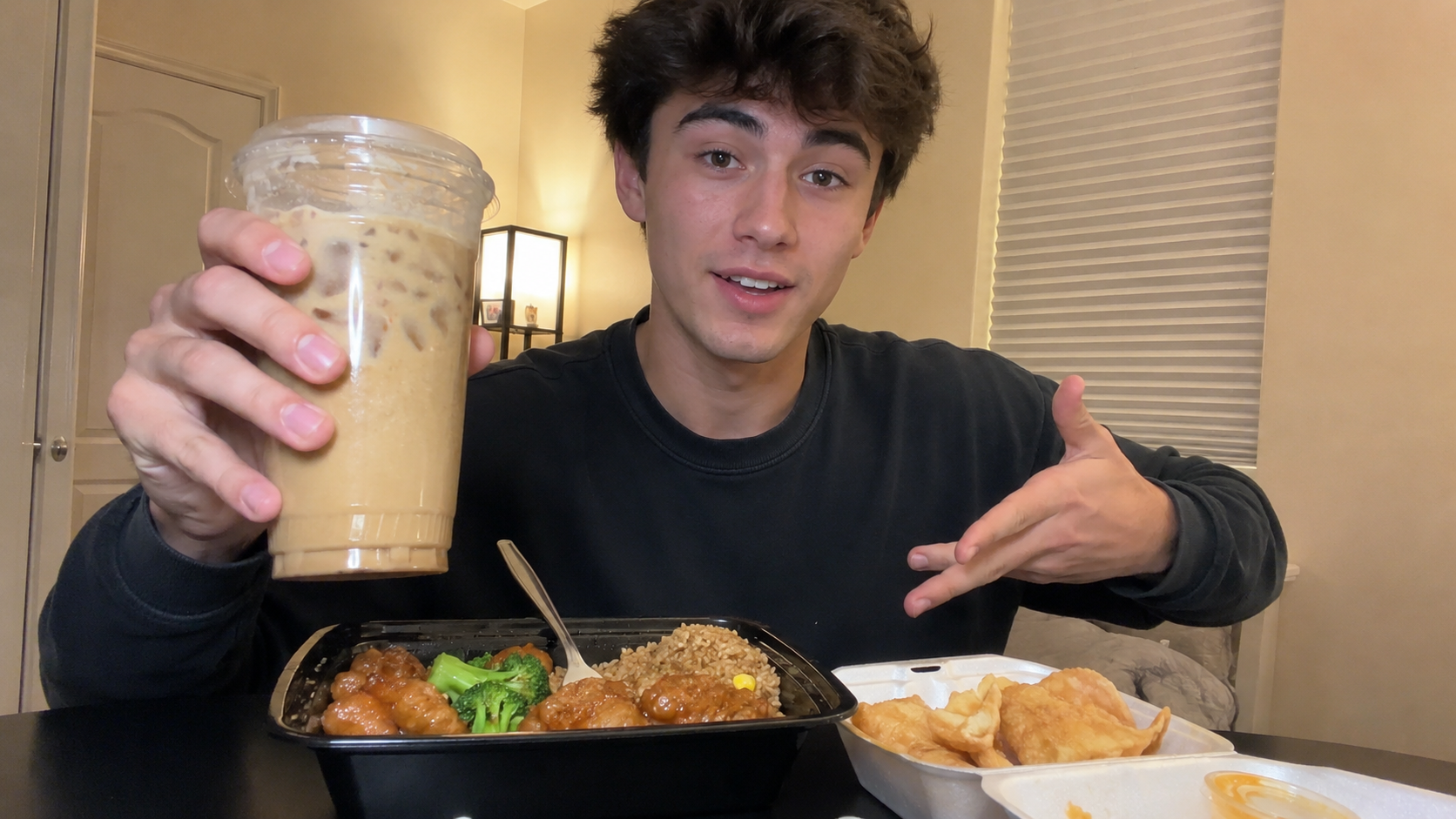
Retouch YouTube Thumbnails to Make Them More Attractive
Prompt
Perform professional-grade retouching on this image by adjusting color tones, brightness, and appropriate white balance, and apply corrections optimized for YouTube thumbnails.
Brighten the overall image and apply adjustments with reduced contrast.
If there are shadows on a person's face, perform natural lighting adjustments so the expression is clearly visible, producing an attractive and natural correction.
Prioritize making the entire image bright and eye-catching with high visibility.
Ensure the corrected image looks natural, retains the original characteristics, and maintains excellent sharpness.
〈The following constraints must be strictly followed〉
Do not perform any image upscaling.
Maintain consistency of the person's expression and face.
Summary
Send the image together with the prompt for use. Primarily intended for use with live-action photos. Can also be used for ordinary photo retouching.